PELAYAR VIDEO ANALYSIS

Hours of video.
A clearer picture.

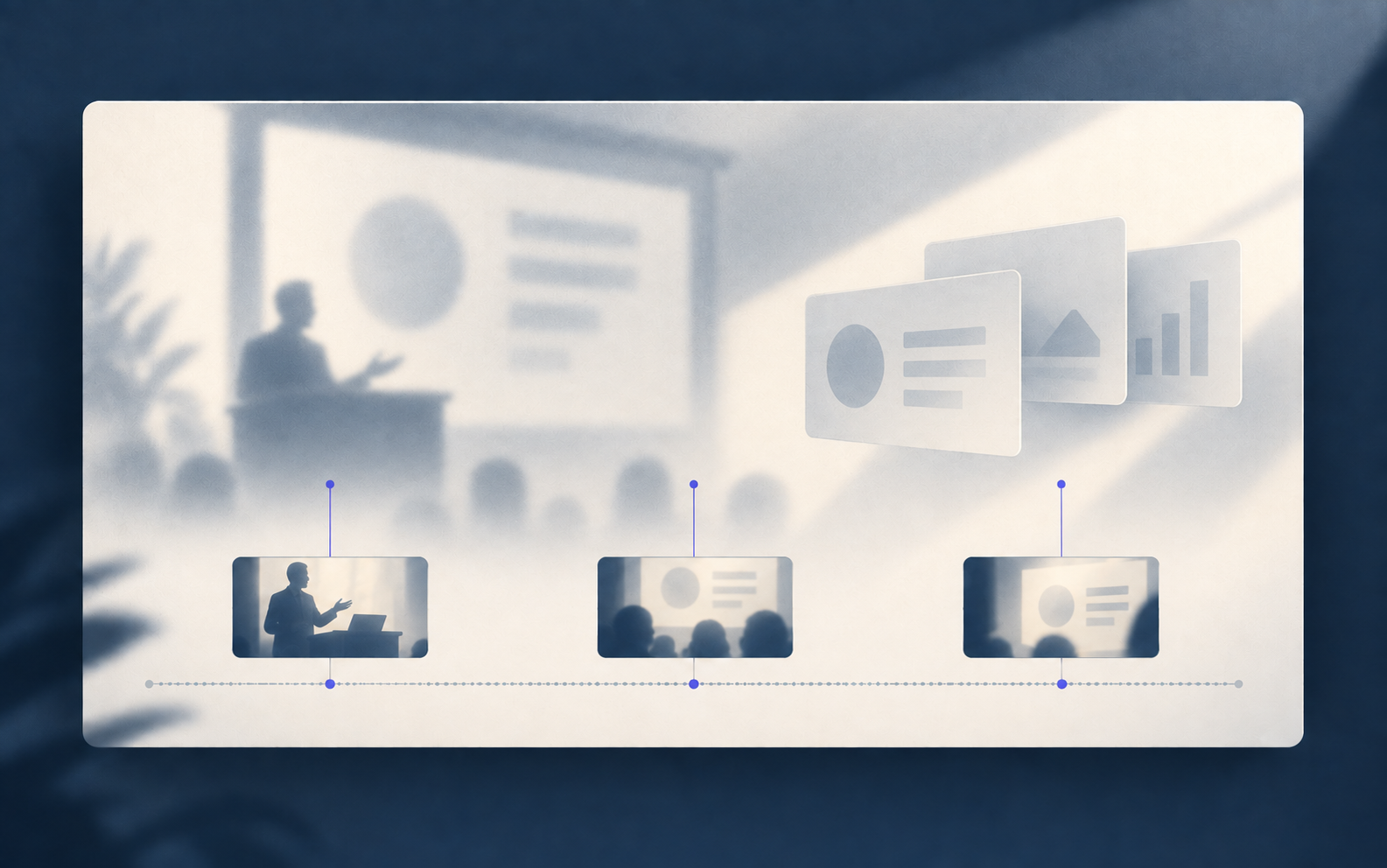
Turn long lectures, interviews and extended recordings into findings you can work with. Research videos up to 10 hours long in Agent Chat, or review up to 3 hours total per run with the Video Analysis tool. Return to timestamped moments to check the evidence.

LONG VIDEO CAPABILITIES

Explore our accuracy research
VIDEO RESEARCH · AGENT CHATUp to 10 hours
Per video. Ask questions, follow up on findings, and connect the footage to other sources in your project.
VIDEO ANALYSIS · DEEP REVIEWUp to 3 hours
Total per run. Get a detailed report or checklist, then use its timestamped evidence for follow-up questions in Agent Chat.
VIDEO ANALYSIS · MULTIPLE FILESUp to 20 videos
In a General Analysis or Checklist upload, within the 3-hour total. Bring related recordings together for one review.

Choose interactive research in Agent Chat or a structured deep review in Video Analysis. Duration limits depend on the workflow; storage and credit requirements are shown before you start.

CHOOSE YOUR WORKFLOW

Ask a question. Or build a report.

Video Research in Agent Chat lets you explore longer recordings through questions and follow-ups. Deep Review in the Video Analysis tool builds detailed evidence for a report or checklist, and for later questions in Agent Chat.

VIDEO RESEARCH / AGENT CHAT

Bring a video.
Ask your first question.

Drag a file into the chat, paste a YouTube URL, or use the attachment buttons. Tell Pelayar what you want to learn.

“Summarize this video and highlight the three main problems.”

Start a new chat
VIDEO RESEARCH / PROJECT FILES

Choose a saved video.
Go straight to your question.

Open your project chat, type @, and select a file. Ask about what matters, then open a timestamp to check the explanation.

“How does Karpathy explain tokenization? Summarize it in plain language and include timestamps.”

Learn to chat with project files

DEEP REVIEW / VIDEO ANALYSIS

Choose an analysis.
Get a structured report.

Choose the analysis type, add your video, and describe what the report should focus on. Review the setup and credit estimate, then run the analysis.

General Analysis gives you a written report. Checklist Mode reviews footage against specific criteria. Save the analysis in your project to keep asking questions from the evidence.

Open Video Analysis

HOW IT WORKS

Map the full video.
Revisit what matters.

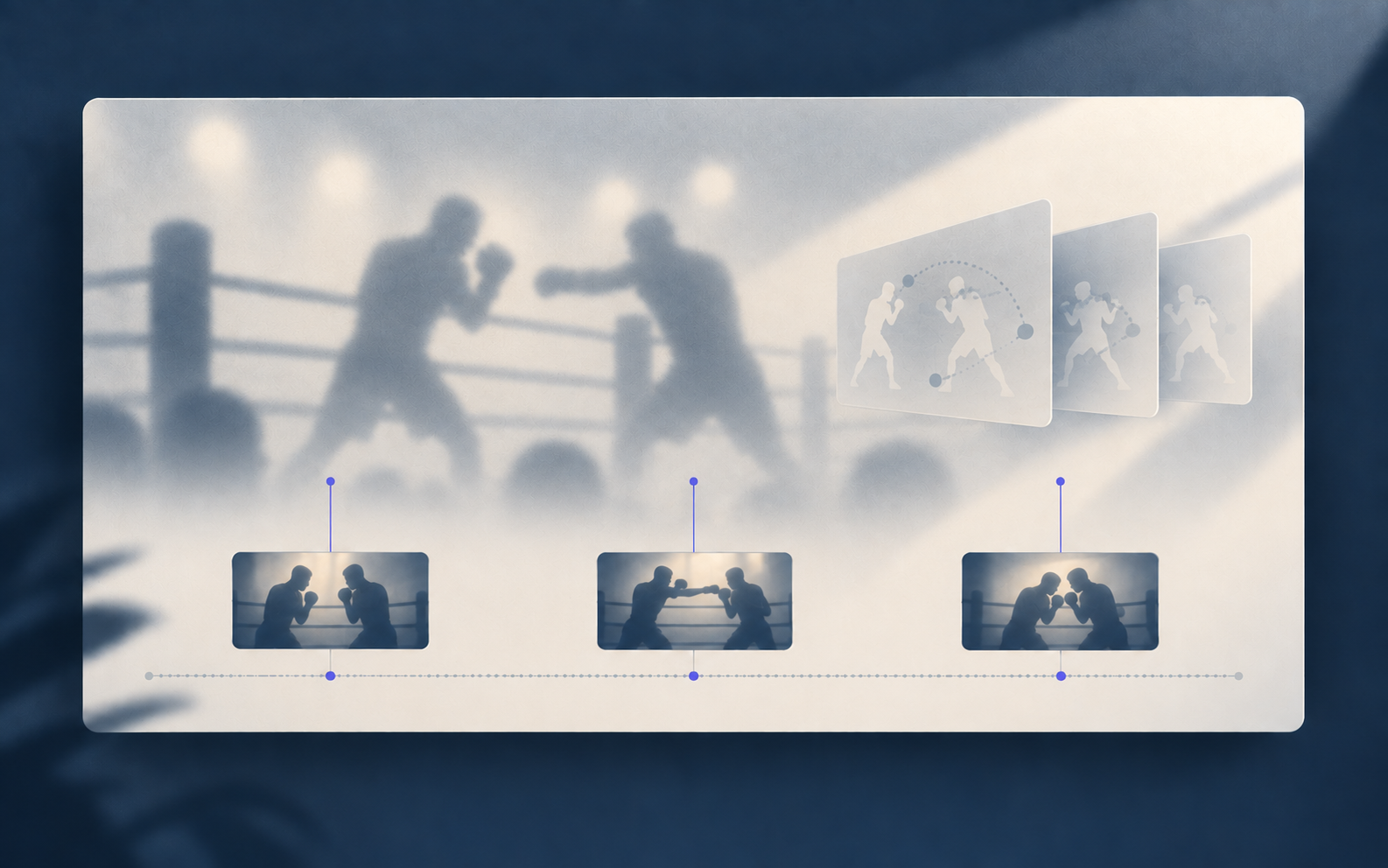
Video Research in Agent Chat follows the questions you ask. Deep Review in Video Analysis makes a more intensive pass for a detailed report. For sports footage, a dedicated tool can examine technique or track players.

BASELINE

Build a map of the video.

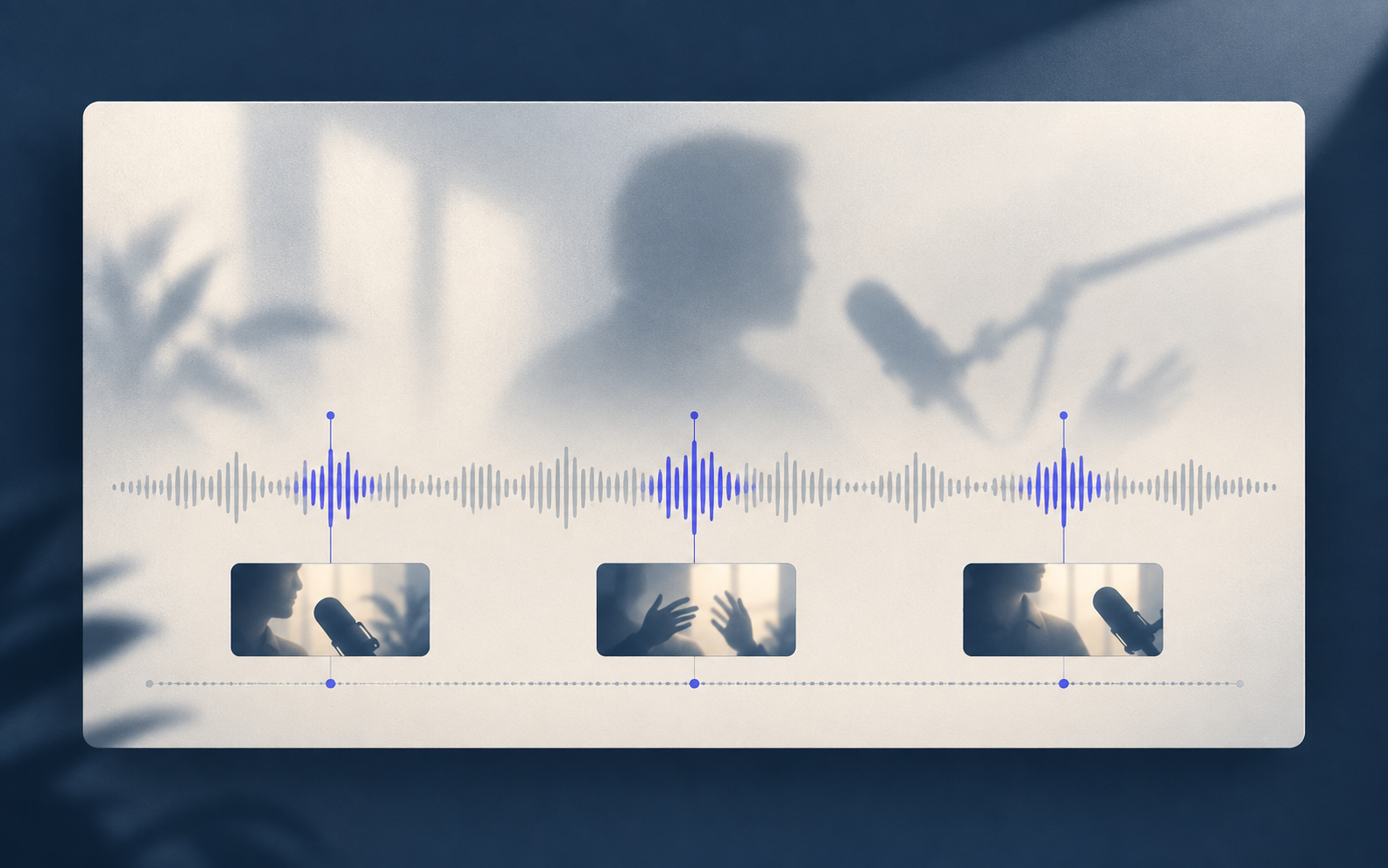
Pelayar makes a timestamped first pass across the recording. That baseline helps the agent locate moments and can be reused for later questions.

CLOSER LOOK

Rewatch the relevant part.

When a detail needs checking, the agent goes back to a focused clip of the original video instead of treating the first pass as the final word.

USE THE FINDINGS

Work from the evidence.

Follow up in Agent Chat or use a Video Analysis report to review findings tied to the source footage.

DEEP REVIEW, THEN CHAT

Analyze once.
Keep asking.

A deeper foundation for accurate follow-up answers.

Keep your Deep Review analysis in a project and continue in Agent Chat. The chat can draw on the detailed, timestamped observations already gathered, so each question builds on the evidence.

It does not need to rewatch the whole recording for every answer. When a detail needs checking, it can return to the relevant clip and retain that review for later questions.

Continue your research in Agent Chat

CHOOSE YOUR TOOL

Where should you upload your video?

Choose the tool based on the work you want Pelayar to do. Agent Chat and Video Analysis can reuse prepared video. Sports Video Analysis has its own upload flow.

VIDEO RESEARCH · AGENT CHAT

Start with a question.

Upload your video in Agent Chat when you want to ask about a particular moment, follow up as you go, or use it alongside other project files.

Video length
Up to 10 hours per video.
What happens
Agent Chat prepares the footage, finds relevant moments, and returns to the video when your next question needs a closer look.
What you get
A conversation you can continue and connect to other sources in your project.
SPORTS VIDEO ANALYSIS

Examine sport specific footage.

Upload through Sports Video Analysis when you want to study an athlete's movement or follow players across match footage.

What happens
Choose an available sport analysis mode, then upload footage for movement or player tracking.
What you get
A dedicated sports analysis workspace to review the results. Available modes and credits are shown before you start.

REAL EXAMPLES

See what people have done with video.

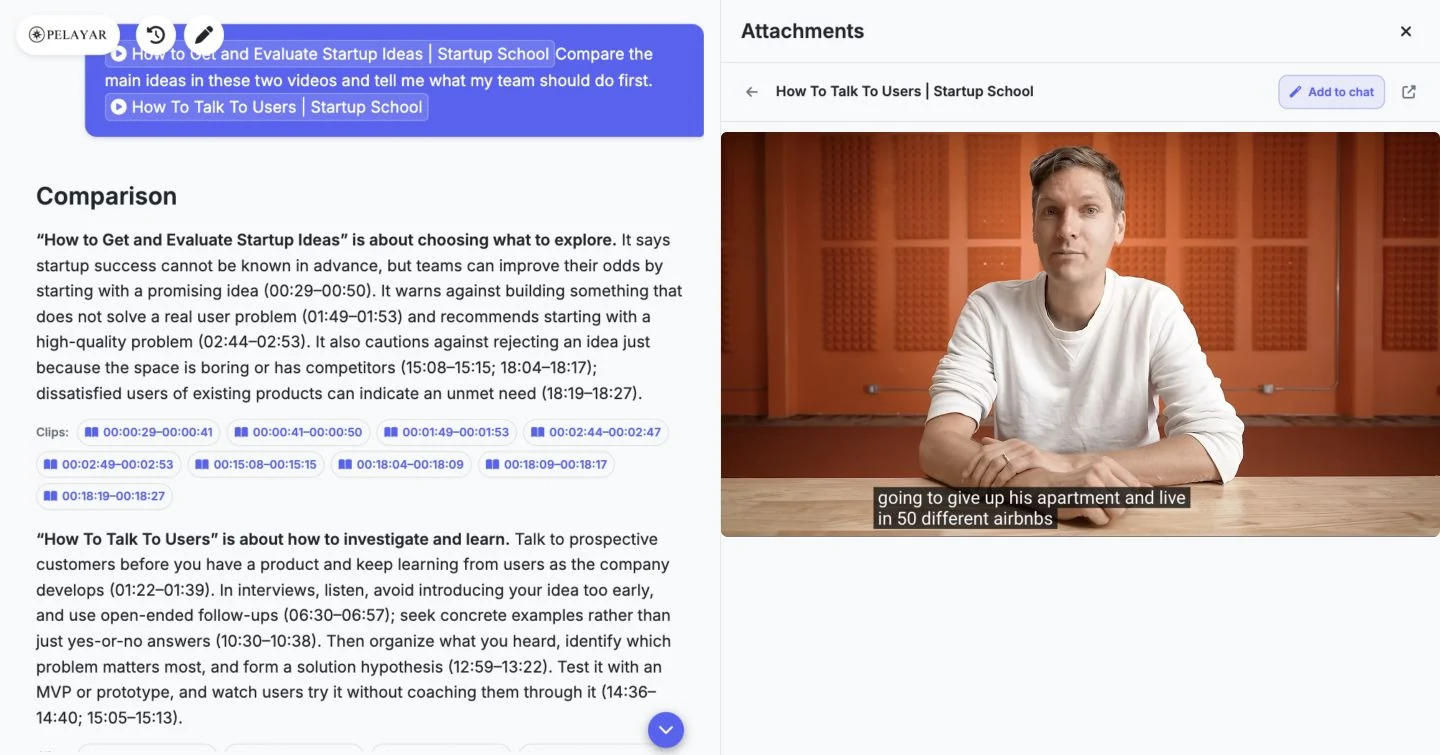
See the difference in real published work: conversations in Agent Chat and reports from Video Analysis.

Start your own analysis

From video research to useful results

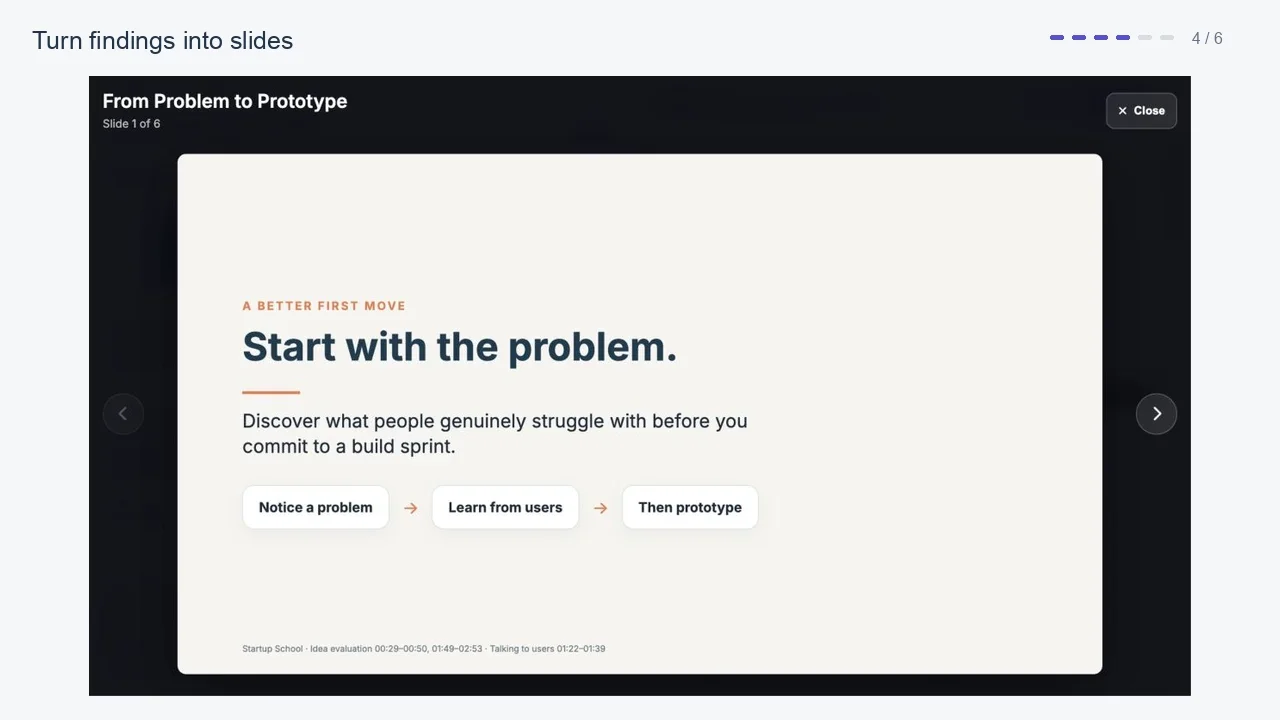
See our latest comparison and presentation demos using real results.

Explore all video examples

Video Analysis reports

Detailed reviews of the footage, organized into findings you can inspect.

Sports match reports

Explore a published match breakdown with findings linked to the footage.

Browse sports match reports

Agent Chat conversations

Focused questions and follow up work using video in a project.

Browse all 9 Agent Chat examples

YOUR FOOTAGE IS NEXT

Ready to see what your video holds?

PROCESSING AND CREDITS

Reuse the video. Choose the depth.

Deep Review gathers detailed evidence you can use again in Agent Chat. Follow-up questions can draw on saved observations and earlier clip reviews, instead of starting the full analysis again.

The initial Deep Review uses more compute and costs more credits than a focused chat question. Later questions reuse the prepared evidence and may check relevant clips when needed. Chat and additional reviews still use credits; the amount depends on the work requested.

See how credits work

THE NEXT STEP IS IN THE FOOTAGE

Find it. Check it.
Keep going.